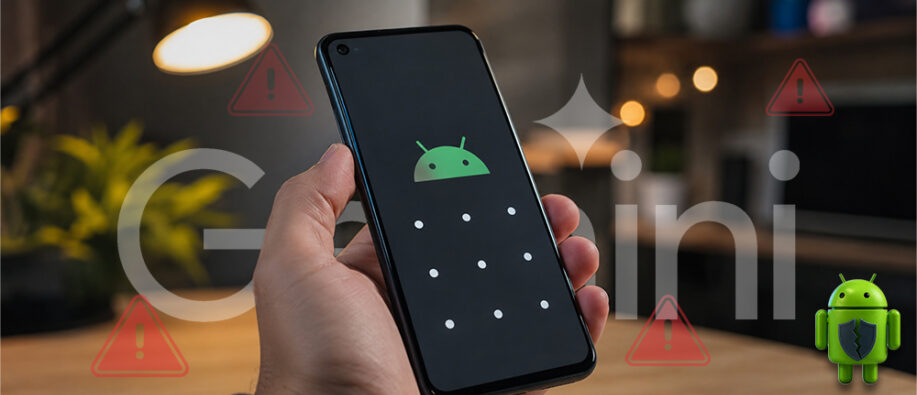
A lock screen bug has recently been discovered on Android 16. The security flaw has raised concerns about the safety of Google's Gemini AI assistant on the lock screen. The vulnerability allows anyone with physical access to a locked Android device to send SMS and WhatsApp messages without entering the device PIN.
Phone thieves could exploit the flaw to impersonate victims, send fraudulent messages, or even restore Gemini's access to messaging apps without authorization. The Register reported the issue on July 17, 2026, and Google acknowledged the bug, saying a full deployment was scheduled for this week.
How Does the Android Lock Screen Bug Work?
The exploit targets Android 16 devices with Gemini enabled on the lock screen. Under normal situations, Gemini needs PIN authentication before accessing messaging apps. Researchers have discovered that if a user presses the "Continue" and "Gemini's Add attachment" buttons at the same time, the device bypasses the PIN prompt entirely, allowing messages to be sent directly from the lock screen without authentication.
The flaw can also reconnect to WhatsApp by simply typing "@WhatsApp" into Gemini, without entering PIN, even if the permission had previously been disabled.
Which Devices Are Affected?
Even though the flaw requires physical access to the device, it creates a serious risk during phone theft or when a device is left unsupervised. A Google spokesperson confirmed the bug is not limited to Pixel devices, though it was reproduced and tested on the Pixel 6a running Android 16. Google has not yet released a full list of affected devices.
How to Protect Yourself Until the Patch Arrives
Until Google’s official patch is available, users are encouraged to disable Gemini’s lock-screen messaging capabilities. This can be done by following the steps mentioned below:
- Step 1: Open the Gemini app.
- Step 2: Tap your Profile picture or initials in the top-right corner.
- Step 3: Navigate to Settings.
- Step 4: Tap Gemini on the lock screen.
- Step 5: Toggle off ‘Use Gemini without unlocking’ and ‘Make calls and send messages without unlocking.’
Security experts warn that AI assistants gain more lock-screen capabilities; they introduce additional attack surfaces that require stronger safeguards. Meanwhile, users should install Google's latest updates as soon as they become available and review AI permissions regularly to reduce the risk of unauthorized access.
To read more such trending news globally, visit our website now.
Also Read:
What are Android ‘Pixnapping’ Attacks? How to Mitigate Them?
Android Security and Privacy in 2026: Features, Updates & Best Practices